AI & Models
Google integrates Gemini AI into Docs, Sheets, Slides, and Drive
Google is rolling out new Gemini-powered AI features to Docs, Sheets, Slides, and Drive, aiming to streamline workflows for subscribers in beta.
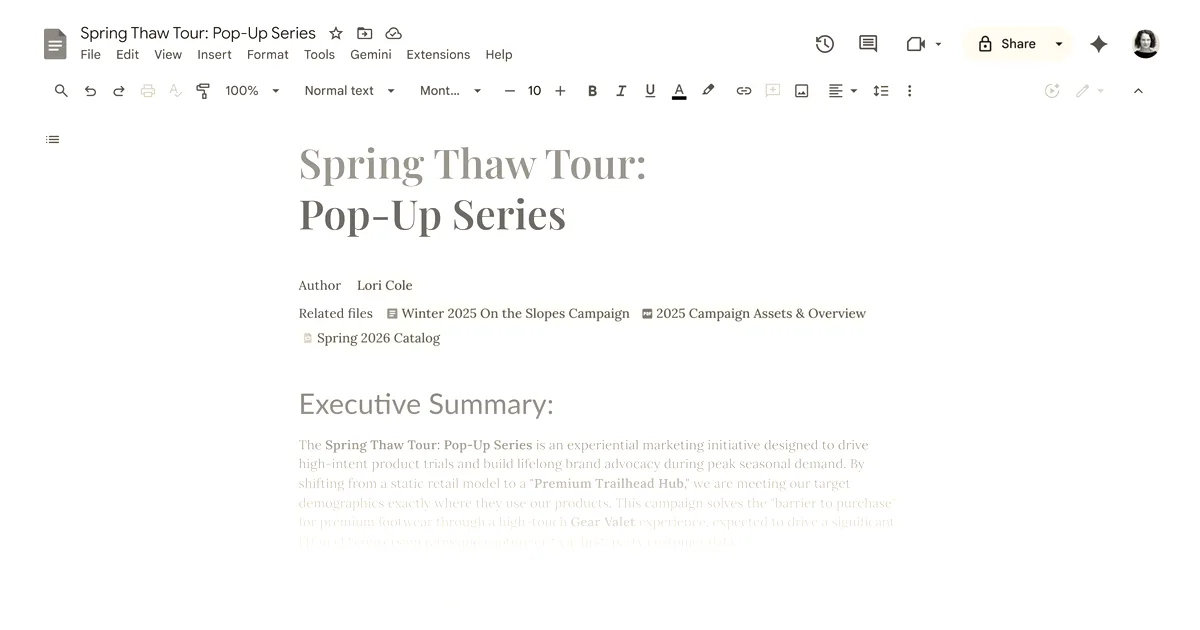
Google announced on Tuesday that it is bringing new Gemini-powered AI capabilities to Docs, Sheets, Slides, and Drive. The new features are rolling out today in beta to Google AI Ultra and Pro subscribers.
The tools are designed to help users get things done faster within the platforms without needing to switch to separate tools or chatbots. In Docs, a new “Help me create” tool lets users generate drafts by pulling information from Drive, Gmail, and Chat. Users can also use the “Help me write” tool to improve clarity or add details, while a “Match writing style” feature helps unify documents written in different tones. Docs is also receiving a “Match the format” tool to mirror the structure of another document, such as filling a travel itinerary template with flight and hotel details from emails.
For Sheets, users can create a fully formatted spreadsheet from a single prompt, or use the “Fill with Gemini” tool to populate tables with custom text, summaries, or real-time information from Google Search. In Slides, users can have Gemini generate a fully editable slide that matches their overall theme, with options to adjust colors or make the design more minimal.
Google is also updating Drive to act as an active collaborator. When searching in Drive, Gemini will display an “AI Overview” summarizing relevant information from files and citing sources. A new “Ask Gemini in Drive” feature allows users to ask complex questions across their documents, emails, calendar, and the web.
While the current updates focus on immediate productivity, Google says that in the future, Slides will let users create a complete presentation from a single prompt. For example, a user will be able to ask Gemini to generate a 5-slide deck. Currently, the new features are available in English worldwide for Docs, Sheets, and Slides, and in the U.S. for Drive.
Why it matters
By embedding AI capabilities directly into its core productivity applications, Google aims to reduce the friction of switching between separate work platforms and external chatbots. This integration represents a shift toward positioning productivity suites as active collaborators that can synthesize data across a user’s entire workspace.